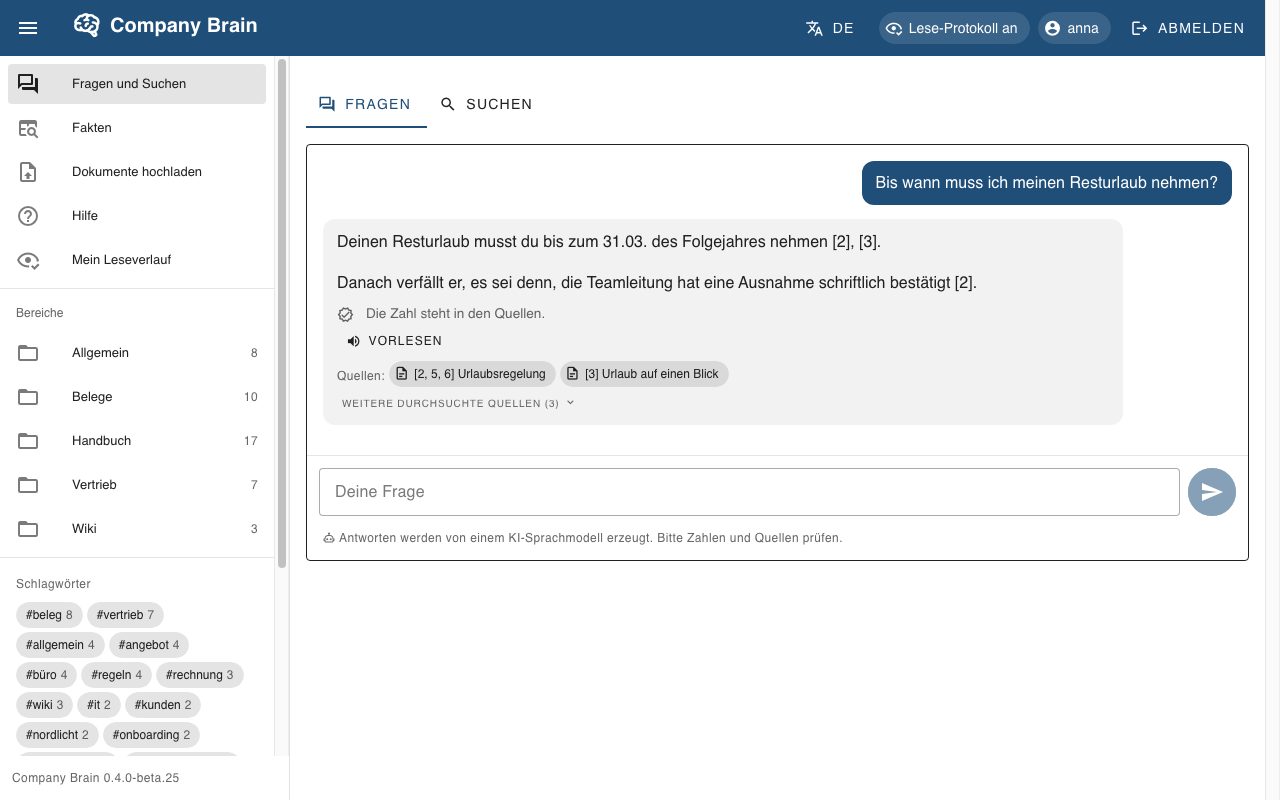
Asking questions – with sources and a check line
Employees ask in their own words. The answer relies only on notes the asking person may read and names its sources – one click opens the note.
Below the answer you can see whether every number and date appears in the sources. The language model does not calculate. A permanent notice below the input field says that an AI language model answers.
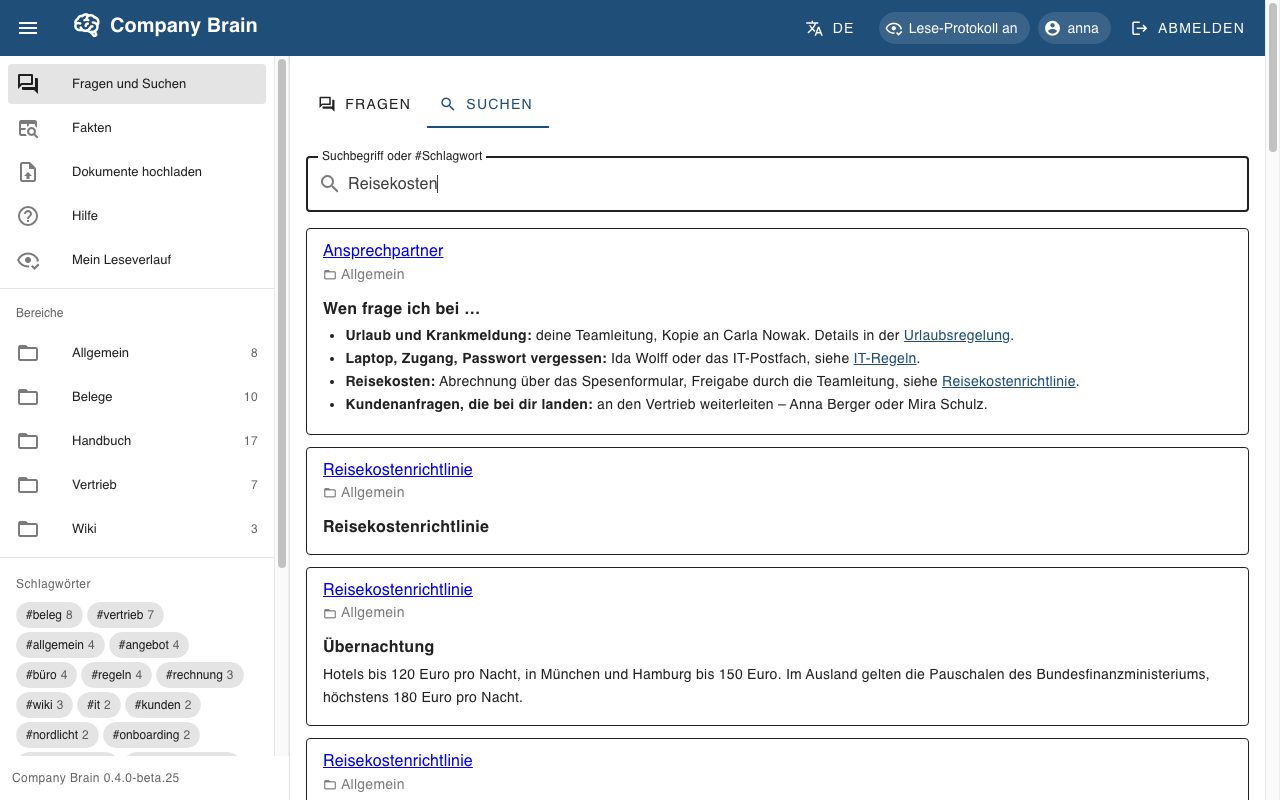
Search and find
Search finds meaning and exact terms, such as an invoice number. Hits show the title, the area and an excerpt; tags in the navigation lead to related notes.
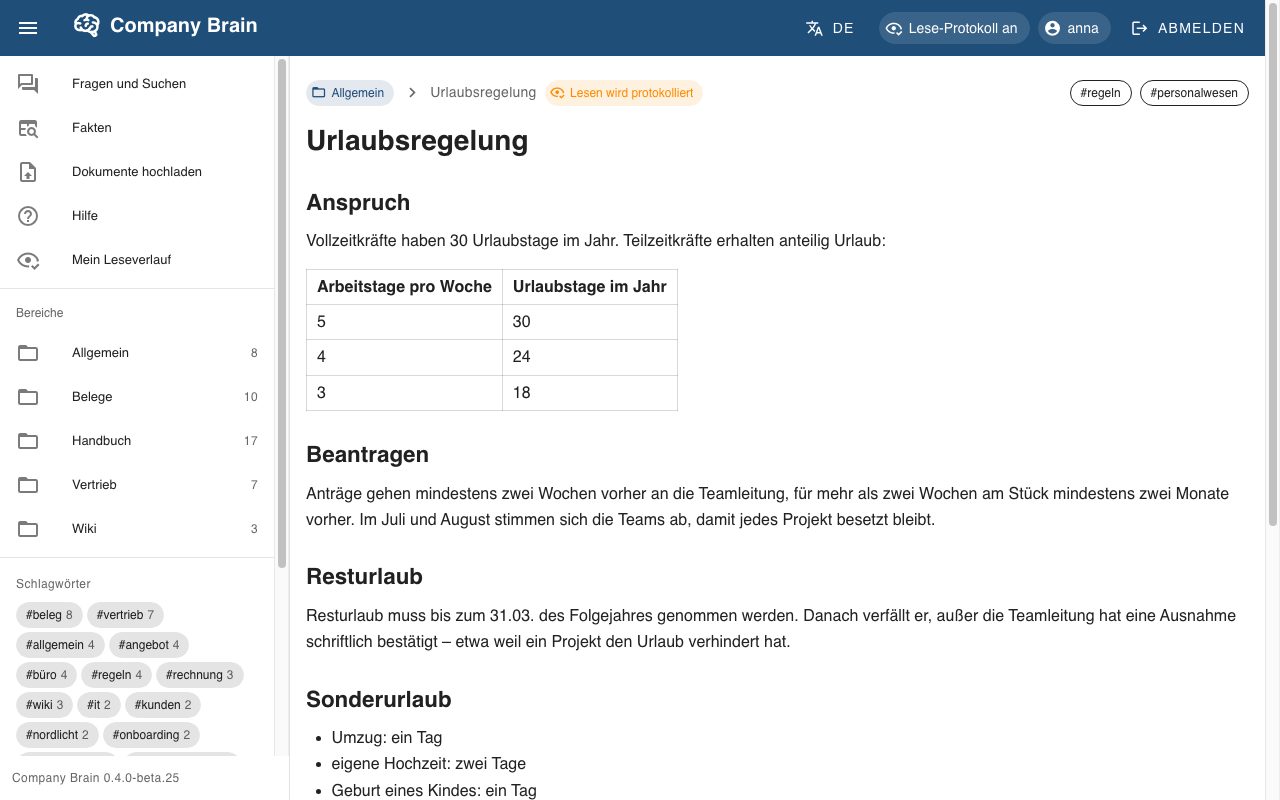
Reading notes – with permissions in view
If a note links to one you may not read, you see a placeholder or nothing, depending on the setting – never the title. Earlier versions of a note stay traceable, but only for those who could read them then and can read them today.
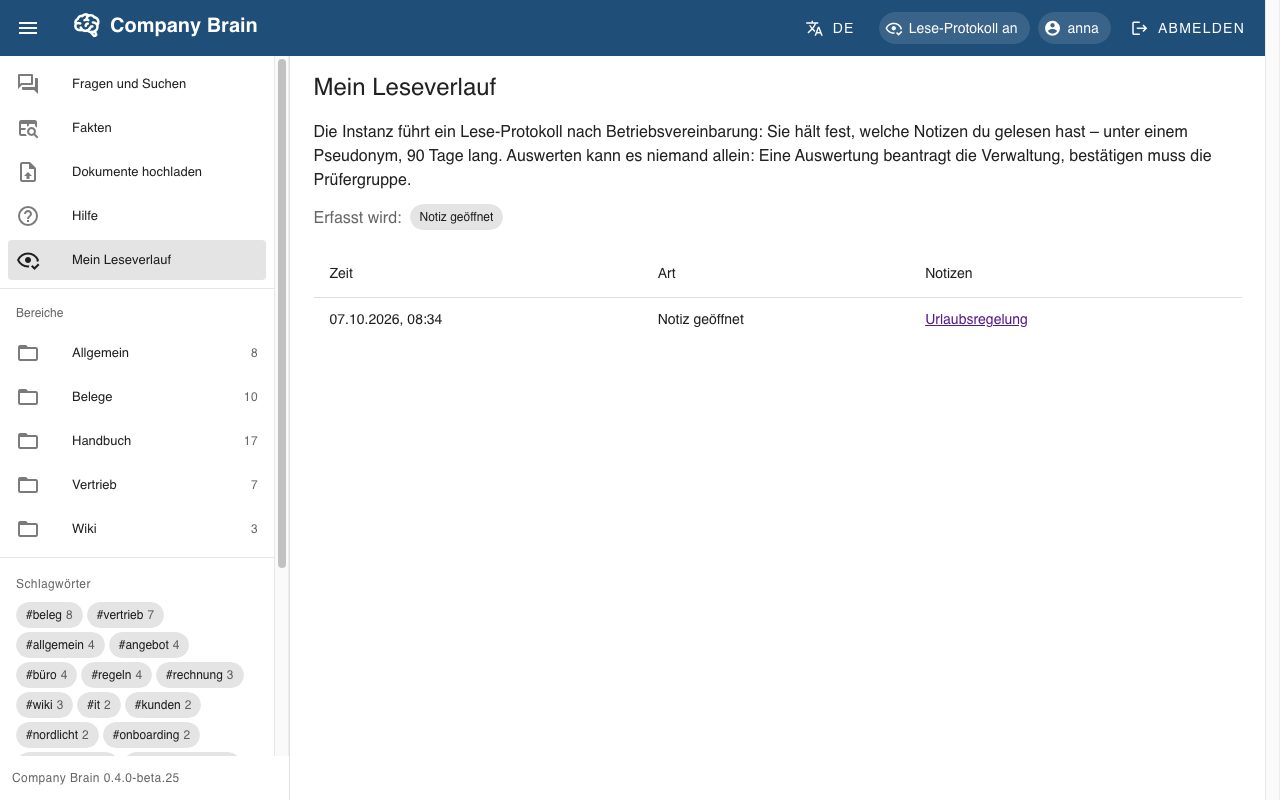
If reading is logged, the note says so openly.
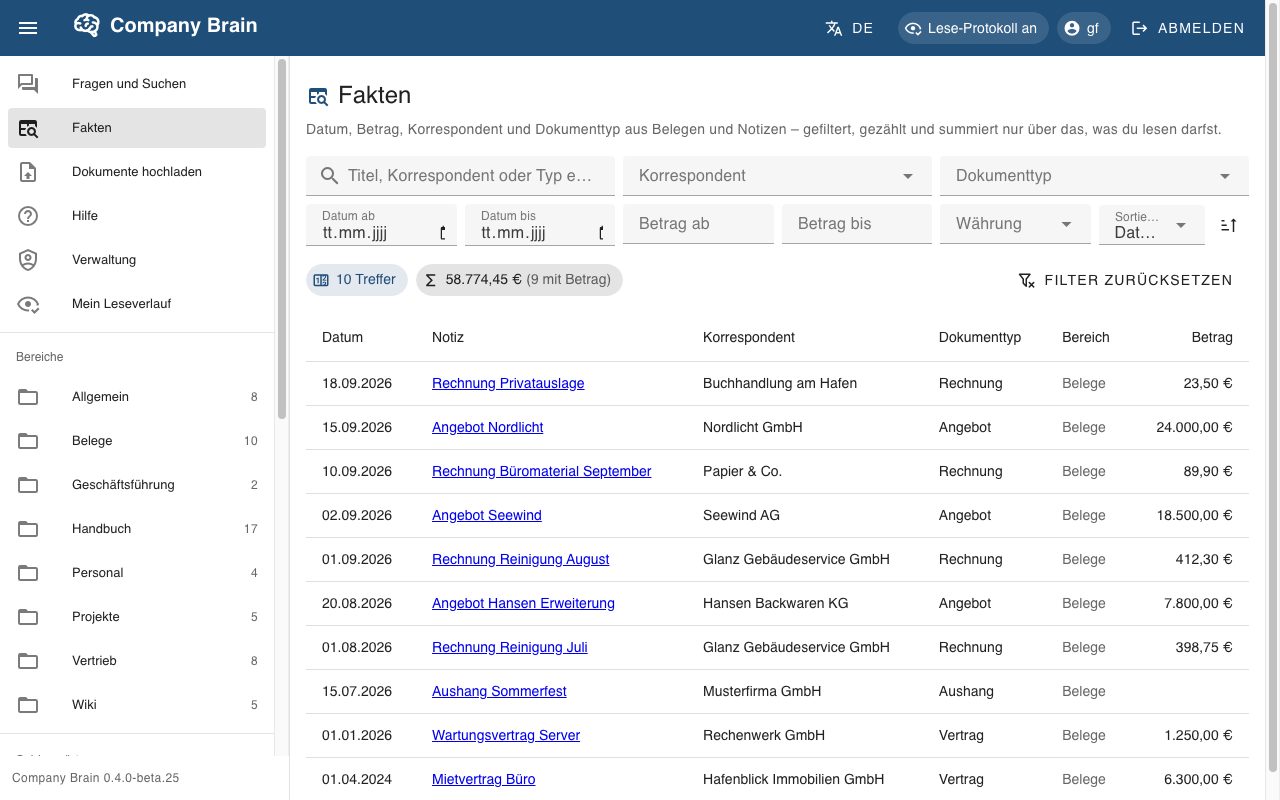
Analysing receipts
Date, amount, sender and type are fixed details on receipts. The “Facts” page filters, counts and adds up – without a language model calculating, and only over what the person may read.
Upload documents optional
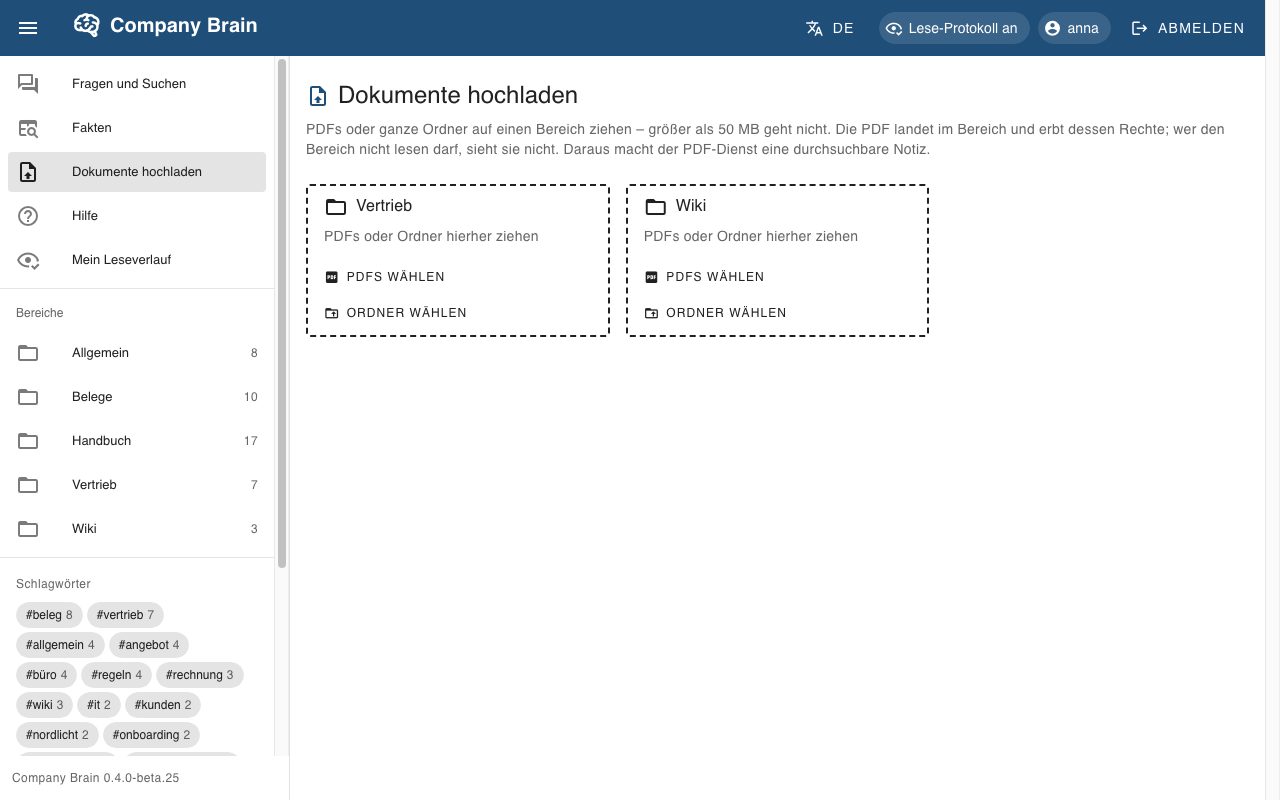
PDFs or whole folders are dropped onto an area – where the person may write. The PDF inherits the area’s permissions; a searchable note is created from it. Scanned pages are read with text recognition; images in PDFs can be described on request.
Help in the app
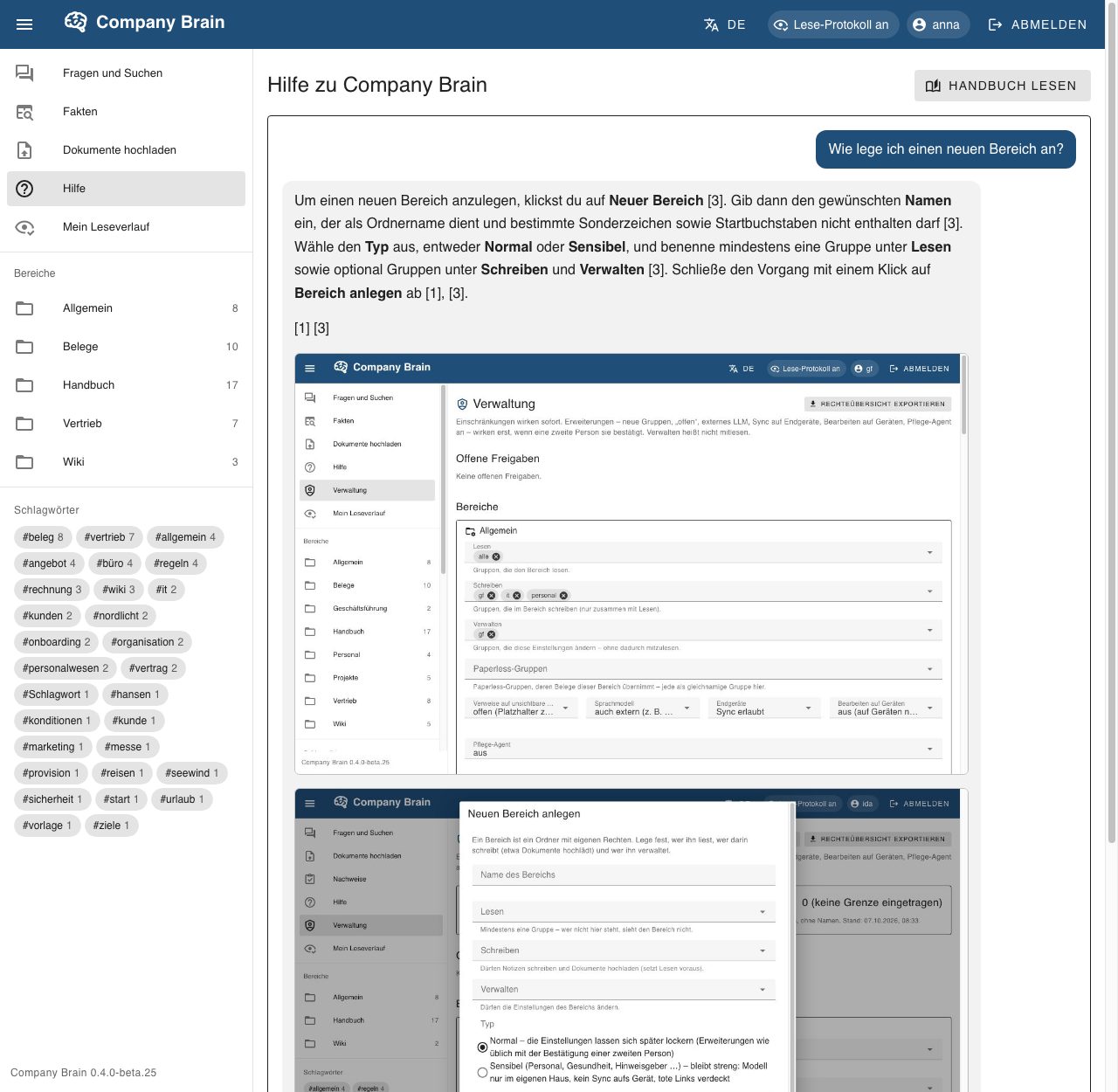
Every instance ships with a manual as its own area – in German and English, with screenshots, searchable. The help chat answers questions about using the app and answers only from this manual. It knows no company content and writes no read log.
Managing permissions
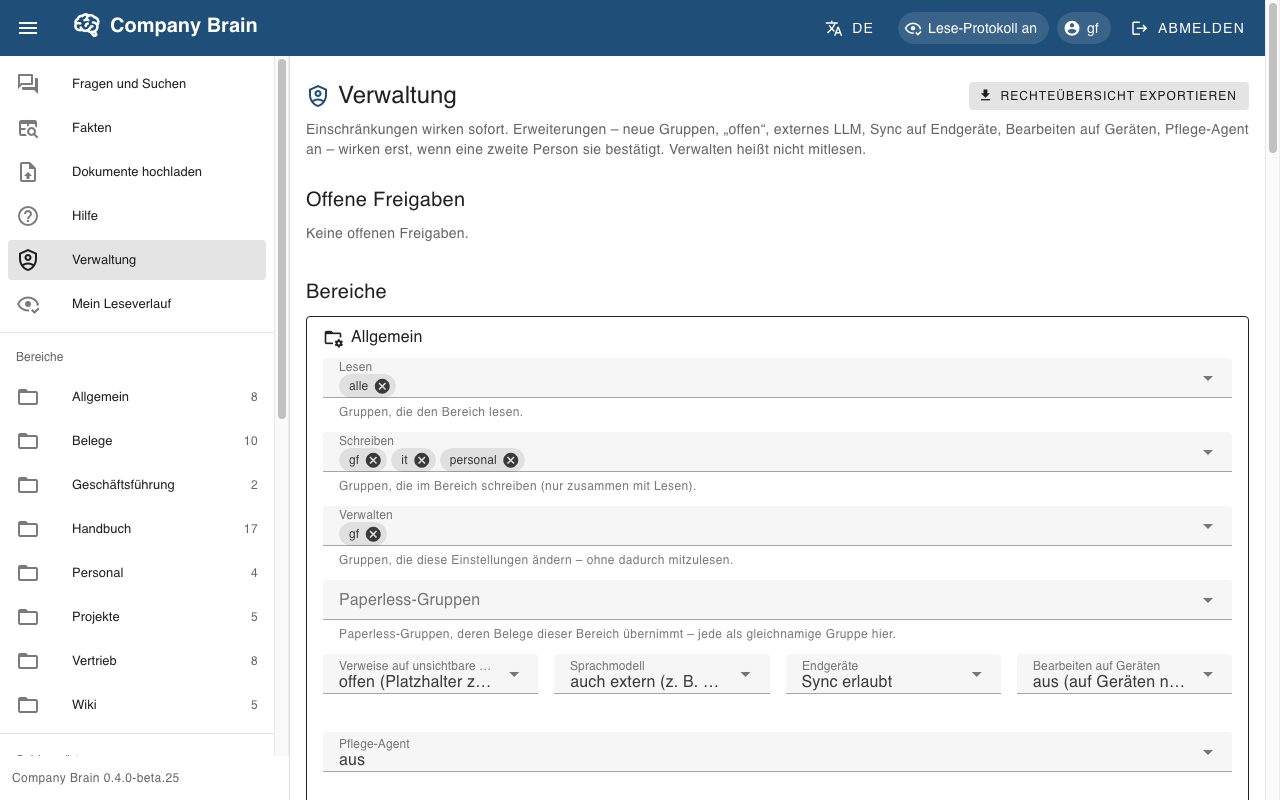
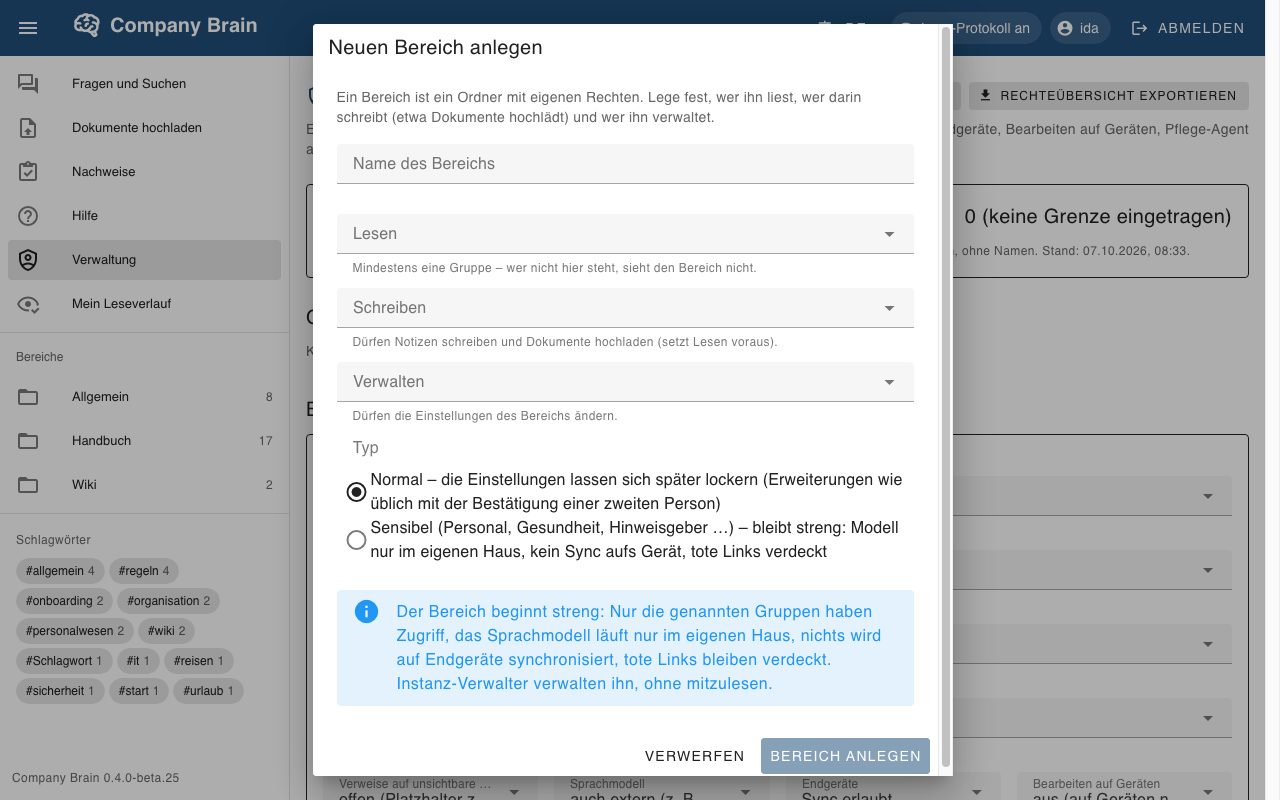
For each area, administrators decide who reads, writes and manages, whether the language model works only in-house and whether notes may go to devices. Restrictions take effect immediately; every extension is confirmed by a second person. “View as” shows what certain groups see. The permissions overview can be exported.
New areas start strict: only the named groups have access.
Proofs for policies and training optional, beta
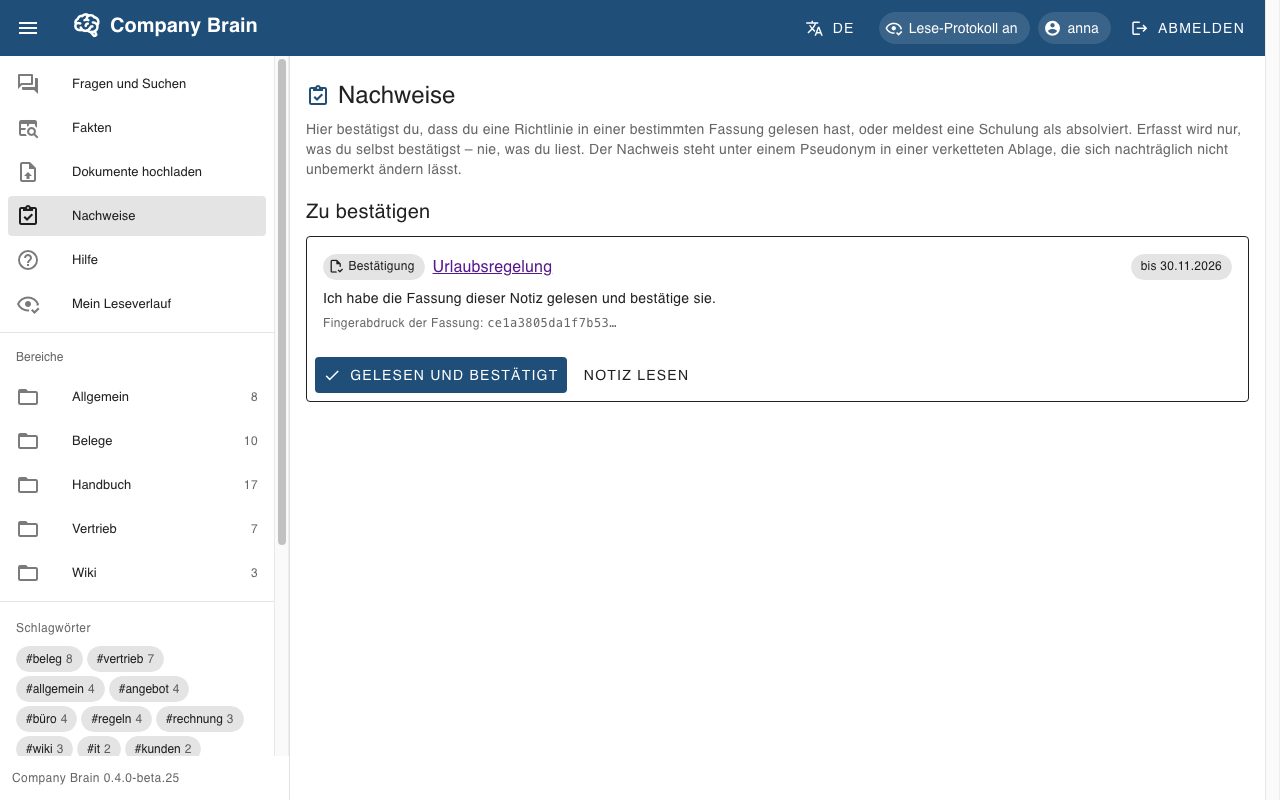
Employees confirm that they have read a policy in a specific version, or report training. Entries are kept under a pseudonym in a chained record that makes later changes detectable. Only what the person confirms is recorded.
Transparency for employees optional
A read log exists only if your company switches it on – for example under a works agreement. It is then shown openly in the interface, and everyone sees their own history. Evaluation uses a pseudonym and is never done by one person alone: administration requests, the review group confirms.
See it for yourself
We show you Company Brain live in the demo – with your questions to the sample company. The features run in beta; before productive use we clarify scope and contractual basis with you.
Request a demo